Pastāsti draugiem par šo preci:
Autodesk Navisworks 2020 Ascent - Center for Technical Knowledge
Pasūtīts no attālās noliktavas
 Ziemassvētku dāvanas var atgriezt līdz 31. janvārim

Mūsu klienti saka:


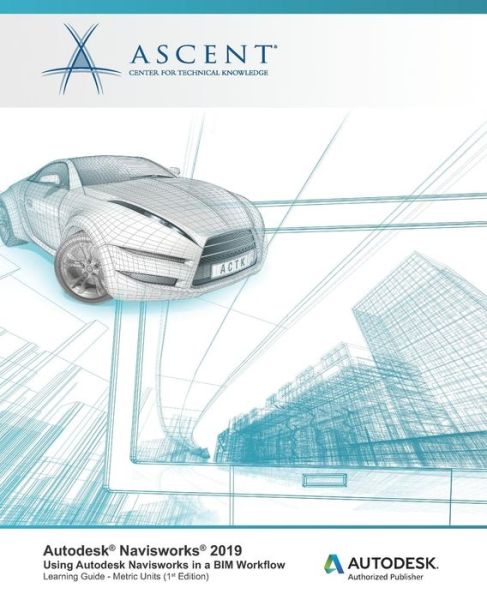
Autodesk Navisworks 2020
Ascent - Center for Technical Knowledge
Autodesk(R) Navisworks(R) 2020: Using Autodesk Navisworks in a BIM Workflow teaches you how to better predict project outcomes, reduce conflicts and changes, and achieve lower project risk using the Autodesk(R) Navisworks(R) Manage software in a BIM workflow.
Building Information Modeling (BIM) encompasses the entire building life cycle. BIM includes all phases of the design process, from model creation to construction and ending at operations and maintenance. Using a BIM workflow, you will learn how a design changes throughout the BIM process and how the changes affect the BIM model.
Over the course of this guide, you will learn how to consolidate civil, architectural, structural, and MEP models into one BIM model. Starting with an Autodesk(R) Civil 3D(R) drawing file, you will append various Autodesk(R) Revit(R) and Autodesk(R) Inventor(R) models and check for conflicts. Note: Clash Detection is only available in Navisworks Manage - it is not available in Navisworks Simulate or Navisworks Freedom.
Next, you will use review and markup tools for communicating issues across disciplines. Finally, you will use TimeLiner, Animator, and Clash Detective to simulate construction and find constructibility issues and on-site clashes.
This guide is designed for new and experienced users of the Autodesk Navisworks software in multiple disciplines.
Topics CoveredUnderstanding the purpose of Building Information Modeling (BIM) and how it is applied in the Autodesk Navisworks software. Consolidate Models (Navigating the Autodesk Navisworks workspace and interface, Creating a composite model, Transforming models for proper alignment) Review and Analyze Models (Using basic viewing tools, Saving and retrieving views, Sectioning a model, Investigating properties, Searching for items, Hiding and unhiding items) Communication (Measuring a model, Adding tags and comments to model components, Marking up and redlining the model, Animate a model) Collaboration (Reviewing a model for clashes, Consolidating redlines from other team members) Construction (Creating a construction timeline, Animating a construction timeline)
PrerequisitesAccess to the 2020.0 version of the software, to ensure compatibility with this guide. Future software updates that are released by Autodesk may include changes that are not reflected in this guide. The practices and files included with this guide might not be compatible with prior versions (i.e., 2019). The 2020 Civil 3D object enabler must be installed on the computer running Navisworks. This guide is designed for new and experienced users of the Autodesk Navisworks software in multiple disciplines. A working knowledge of 3D design and task-scheduling software is recommended.
| Mediji | Grāmatas Paperback Book (Grāmata ar mīksto vāku un līmēto muguru) |
| Izlaists | 2019. gada 28. novembris |
| ISBN13 | 9781951139308 |
| Izdevēji | Ascent, Center for Technical Knowledge |
| Lapas | 332 |
| Izmēri | 191 × 235 × 18 mm · 571 g |
| Valoda | Angļu |